KFC Brings Back the Zinger Chipster on the App Secret Menu
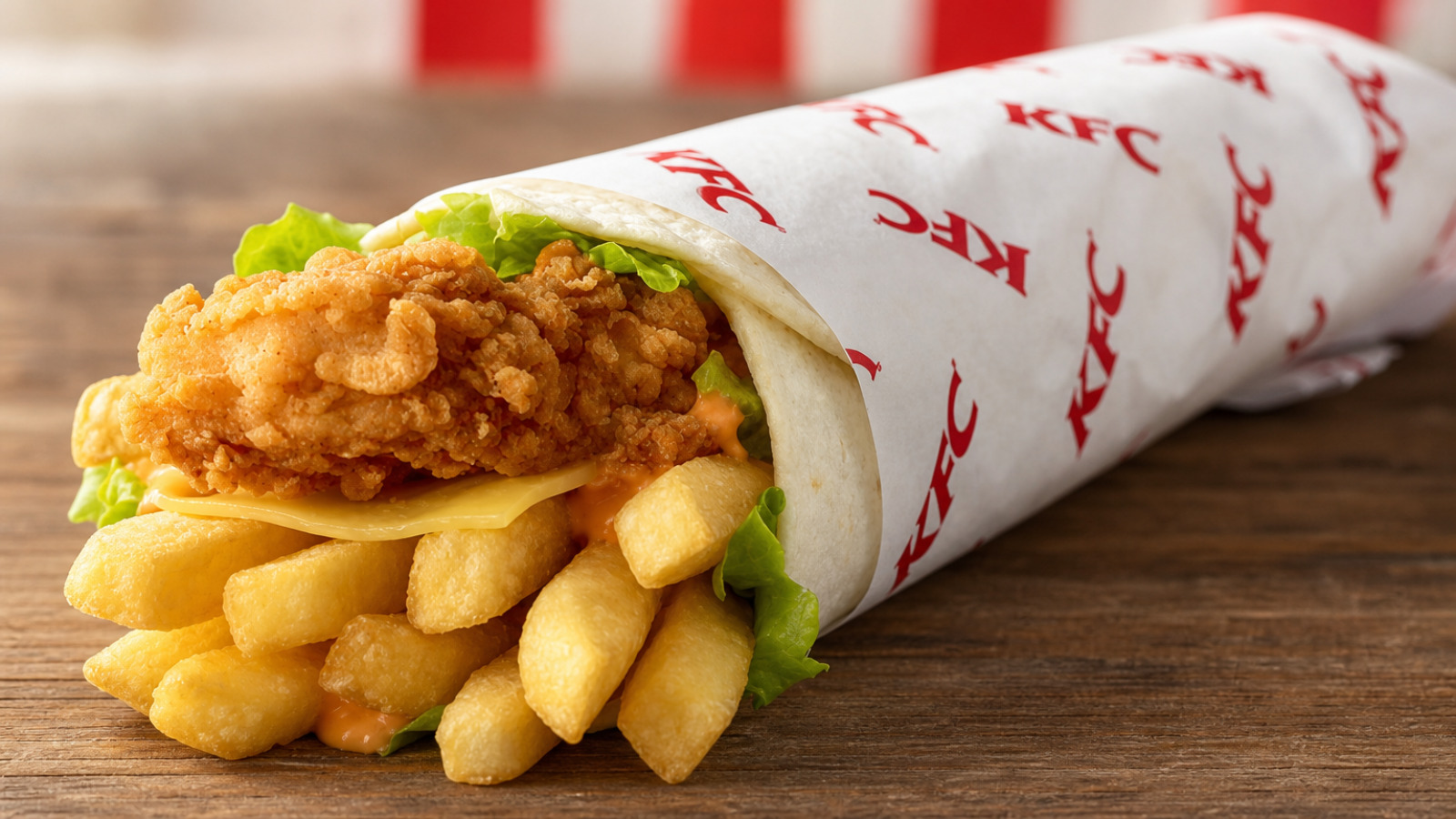
KFC Australia has revived another cult favourite for a limited time, with the return of the Zinger Chipster through the KFC App Secret Menu…
KFC Australia is bringing back another fan favourite, with the Zinger Chipster returning for a limited time through the KFC App Secret Menu from Tuesday, August 4 until Monday, August 31, 2026.
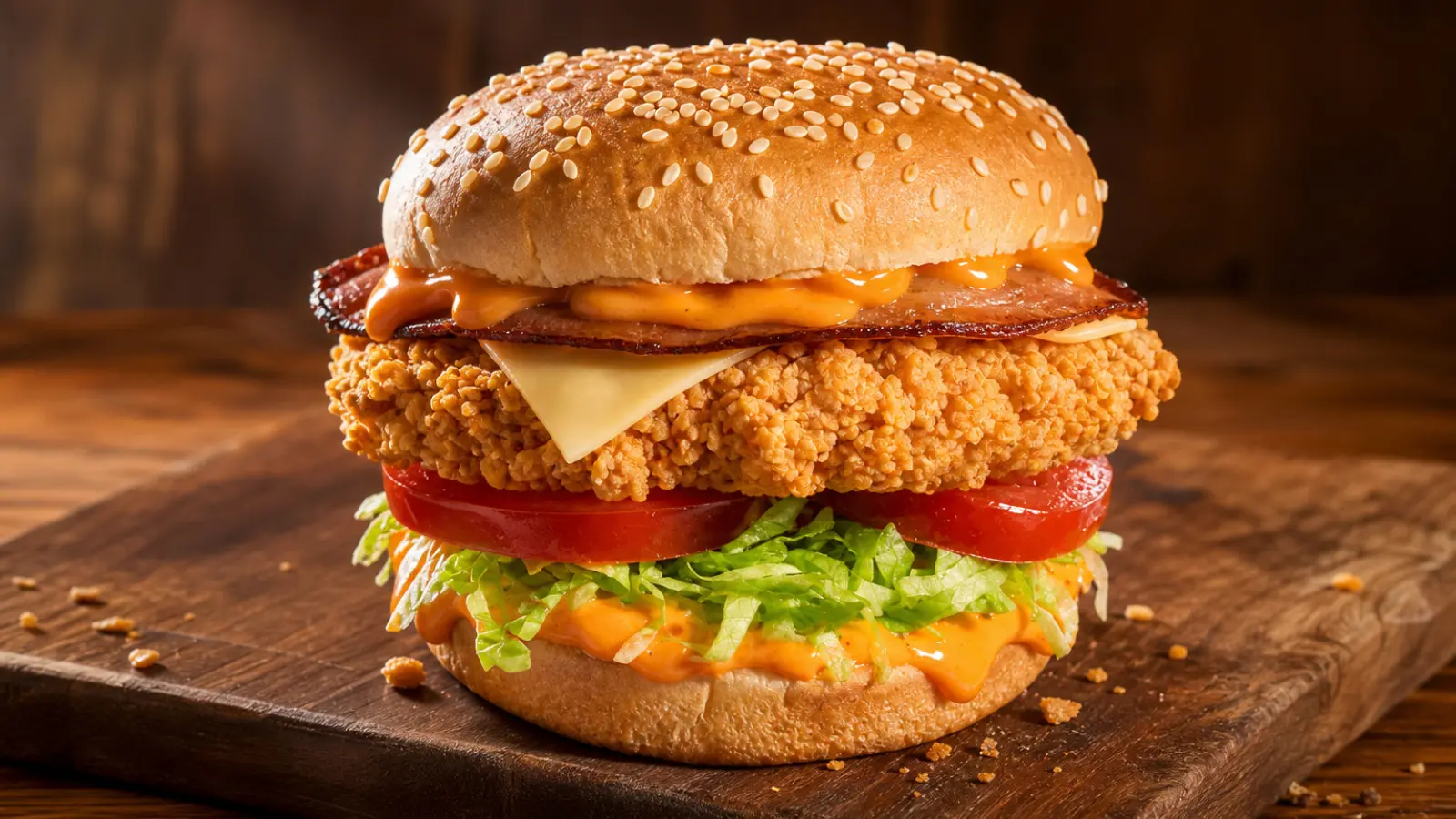
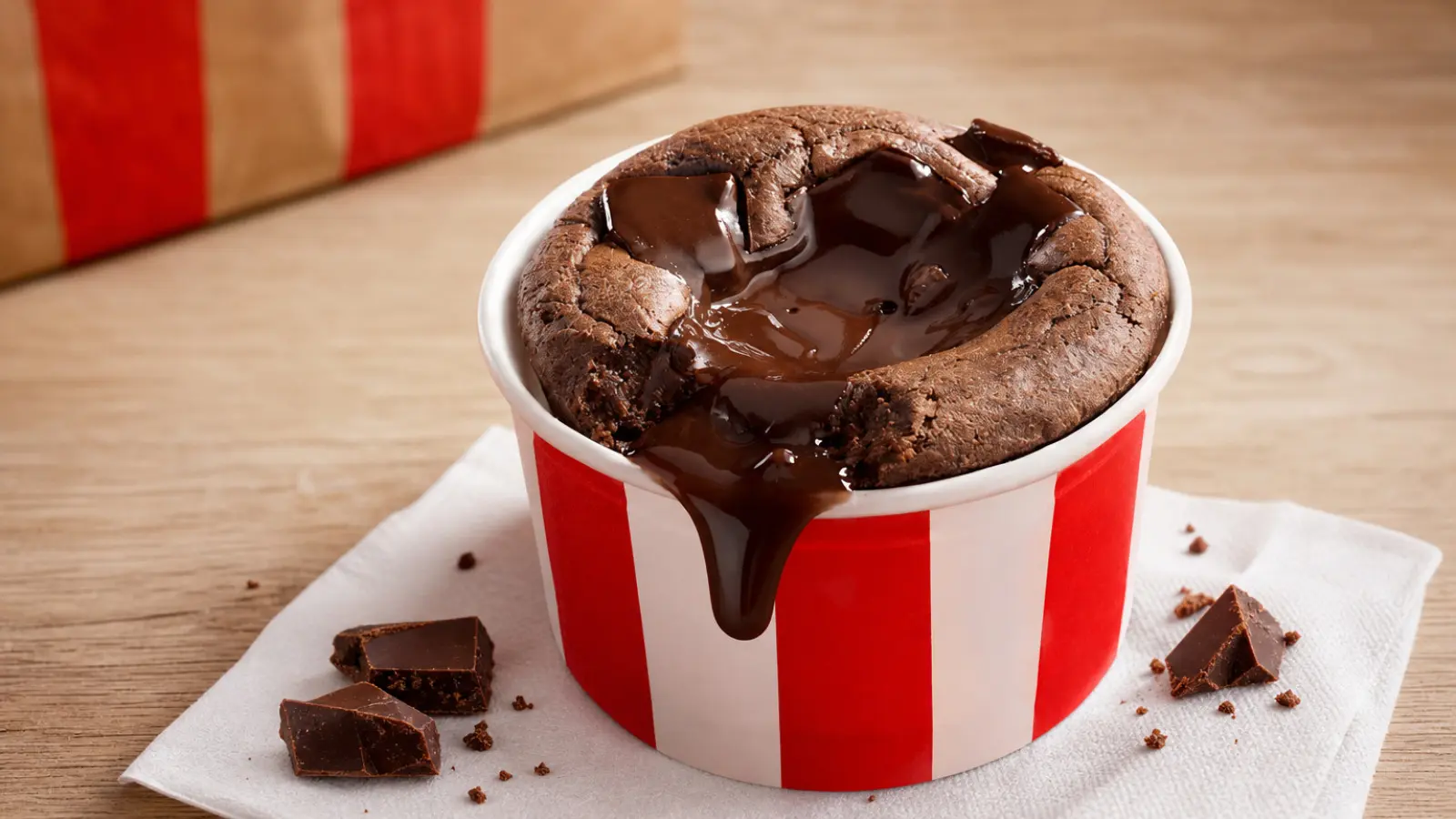
The Chipster has developed a cult following over the years thanks to its unique combination of spicy chicken, hot chips and Supercharged Sauce wrapped inside a toasted tortilla. Its latest comeback joins KFC’s expanding August lineup, alongside the new Wicked Zinger Burger, Mega Wicked Box, Wicked Feast and Chocolate Lava Brownie.
Contents
What’s Inside the Zinger Chipster?
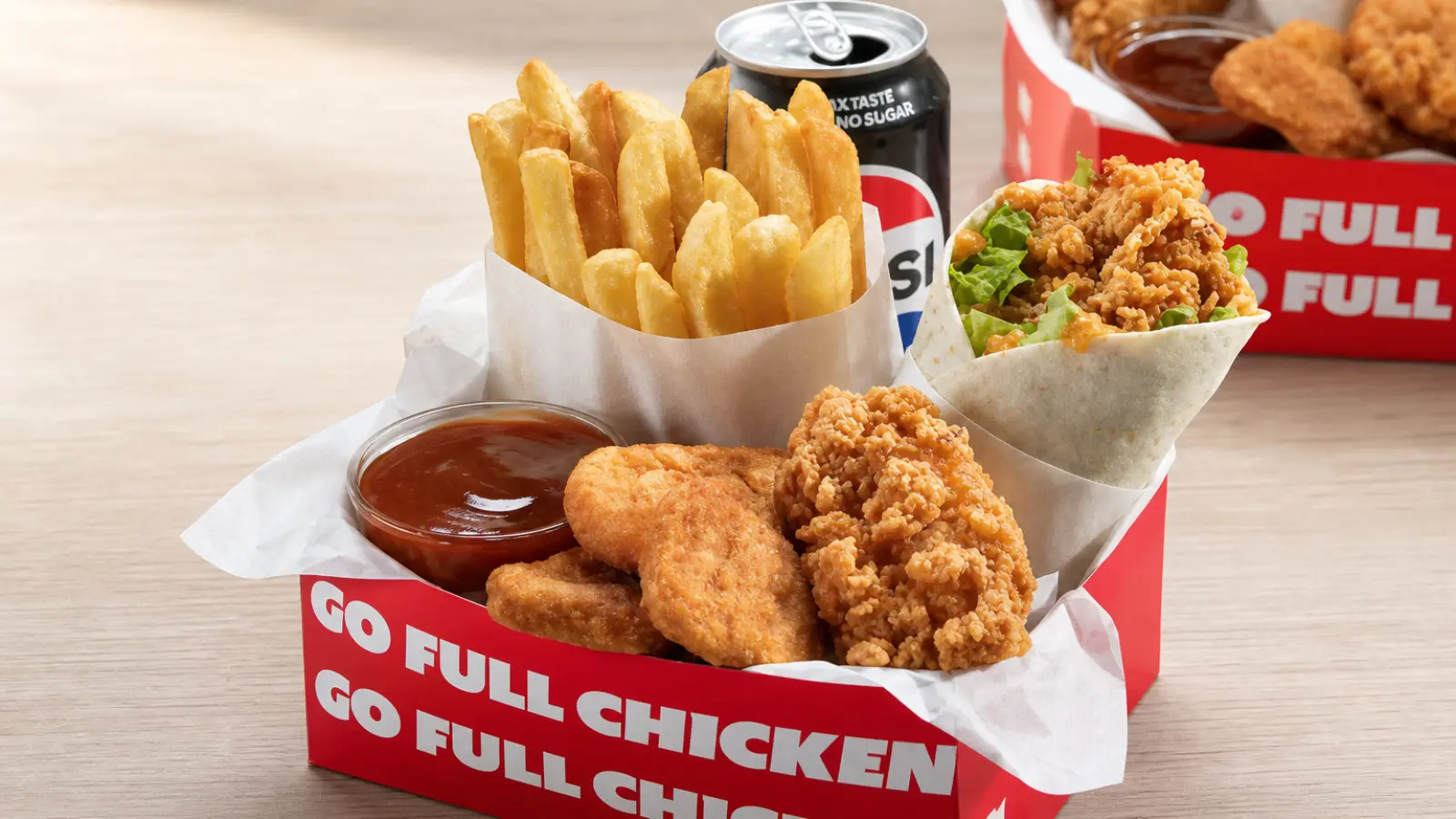
The Zinger Chipster takes several KFC favourites and rolls them into one handheld wrap.
Inside the toasted Twister tortilla, you’ll find:
- Halved Zinger Fillet
- Crunchy chips
- Cheese
- Lettuce
- Supercharged Sauce
The combination of crispy chips, spicy Zinger chicken and the creamy kick of Supercharged Sauce has made the Chipster one of KFC’s most requested Secret Menu returns.
Pricing
The Zinger Chipster is available as either a standalone item or as part of a combo meal.
Prices start from:
- Zinger Chipster: $8.95
- Zinger Chipster Combo: $12.95
The combo includes:
- Zinger Chipster
- Regular Chips
- Regular Drink
Limited-Time Return
The Zinger Chipster will be available from:
- Starts: Tuesday, August 4, 2026
- Ends: Monday, August 31, 2026
Like other Secret Menu items, the Chipster is only available for a limited time and while stocks last.
If you’ve been waiting for the return of one of KFC’s most popular Secret Menu creations, August is your chance to grab the Zinger Chipster before it disappears once again.
For all the latest KFC prices, click for the latest KFC Menu Prices in Australia.
Click here to read more about the whole secret menu!
How to Access the KFC App Secret Menu
Then when the menu appears, drag the screen down for around 11 seconds until a notification showing “Secret Menu? What Secret Menu?” appears. Afterwards, the “Secret Menu” button will appear.
Alternatively, just stay in the Menu section of the app and don’t touch anything for around 30 seconds and the notification should pop up.
To get the app, you’ll need to be in a region where KFC App ordering is available, and then you’ll need to download either the App Store or Google Play app on your phone – we’ve included the links below:
If you’ve tried this latest offer from KFC, let us know what you think in the comments! Otherwise, for more of the latest KFC deals and offers, click on one of the links below.

Click here for more KFC news and deals. For more food news, deals and reviews in general, visit our home page or like us on Facebook!
Have any thoughts about this post? Let us know in the comments.